
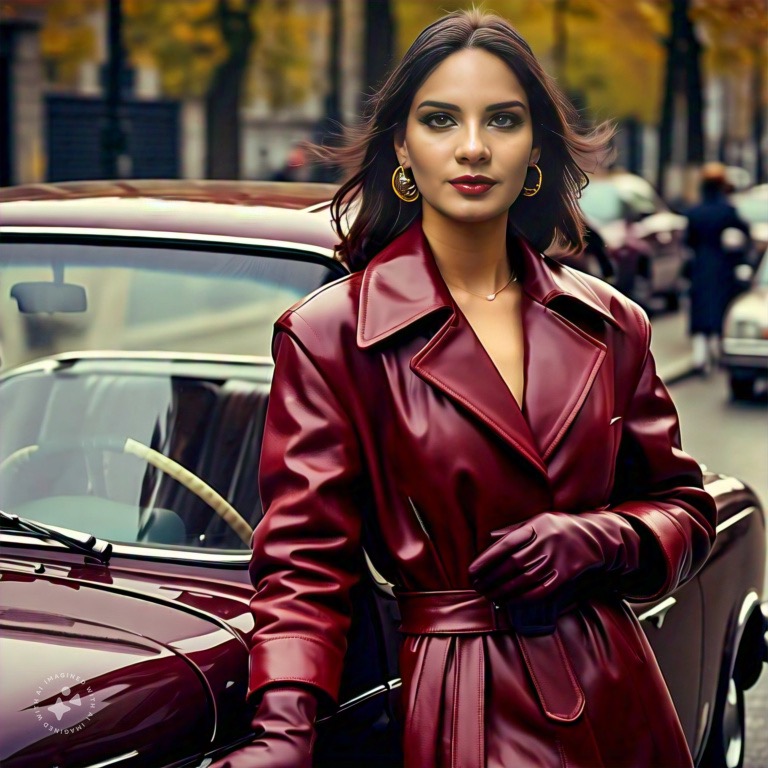
Instagram just got even more exciting with Meta’s latest AI feature, allowing users to generate images of themselves and animate them with the help of AI!
For fashion enthusiasts like us, this update is a game-changer. Imagine creating content where you can try on endless outfits and styles without stepping into a fitting room.
Here’s how I created these AI-generated fashion image for free on Instagram and animated it.
More Posts
- Our October Wishlist Is Here
- Sustainable Fall Fashion: Must-Haves for 2024
- What Will You Be Wearing This Fall? Timeless Transition Jackets
- Winter Wardrobe Essentials: 13 Must-Haves!
Step-by-Step Guide to Using IG’s New AI Feature
1- Open Instagram and Check Your Profile for the AI Feature
– Make sure your Instagram app is updated.
– Head to your profile, and then to your DMs (the arrow/bubble sign on the top write of your feed, where you open the chats)
– Open any chat then click on the “+” symbol on the left in the box where you type the message
– Press on “Imagine” option

2- Write the prompt on Meta AI
– Start by describing yourself, how do you want the image to look like?
– You can write something like this: “Me in a camel brown dress and a leather jacket.”
– The prompt can be as detailed or as general as you like.
– As you type in the prompt, you’ll see the image transform right before your eyes, which is incredibly cool and makes the creative process even more engaging!


3- Meta Will Ask for a face scan and
– If you want to generate images of yourself, Meta AI will ask for permission
– Meta will analyze images of yourself including facial features.
– When you allow for permission, Meta will now scan your face
– Follow the instructions; it will scan the front and the sides of your face.
– Once done, it will ask you to upload up to 3 photos of yourself to improve AI images.
– These photos must be a clear pictures of yourself only.
– You can skip the last step.


4- You’re all set!
– Now press on the stars symbol and watch the magic
– Meta will generate several photos
– You can generate as many pictures as you want and it’s all free!
– Once you pick an image, you have the option to animate it
– You can send it to the chat or save it in your gallery
– You can thank me later

Should You Try Instagram’s AI Feature?
Well, it’s up to you. It’s a great free tool that you can use as a creator to let your imagination run wild. Whether you’re experimenting with different styles, planning new content, or simply having fun, this AI feature allows you to bring your ideas to life without limitations.
This is an exciting way to show off stylish outfits, create mood boards, or plan your style for upcoming events!


 Risky & Refined